CloudX - Online Time Lapse Platform Subscription
Online time lapse platform for:
Camera status, remote monitoring & simple time lapse creation!
-
About
-
Compatibility
-
FAQ's
-
Support
-
Camera Status | Remote Monitoring | Cloud storage |
Easy Time Lapse Movie Generation
buildHow does it work?
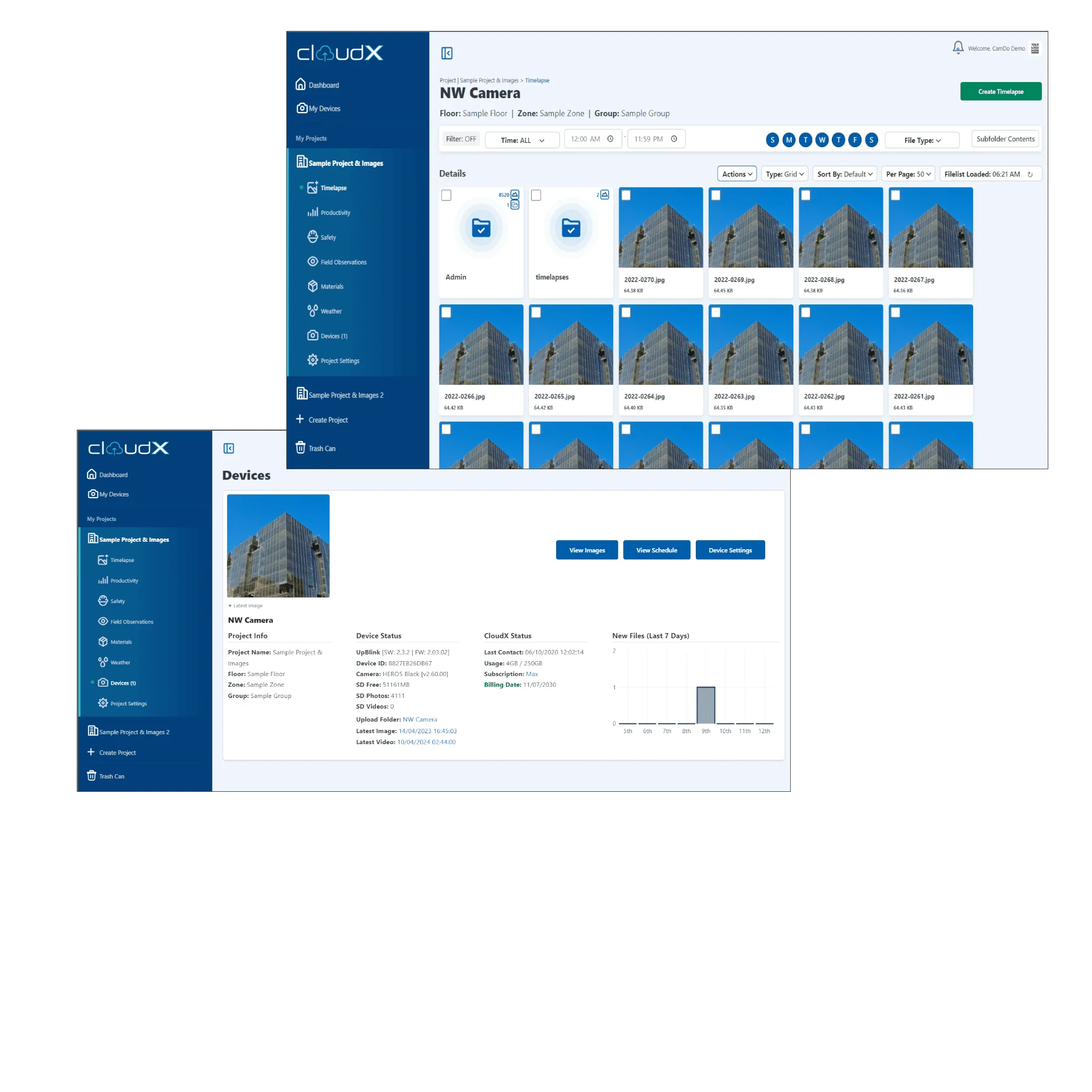
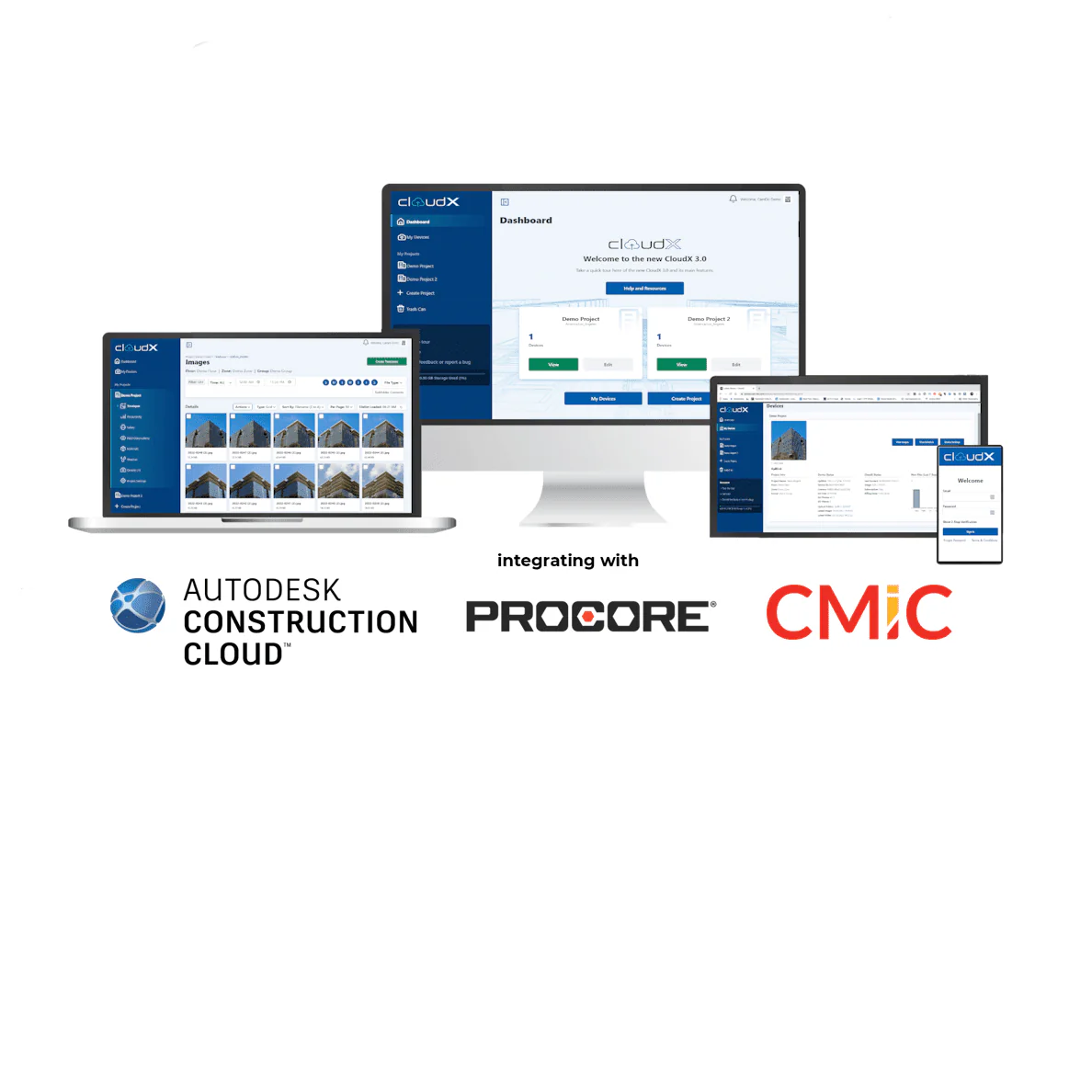
CloudX is a state of the art online time lapse platform, allowing you to monitor your time lapse camera from a browser anywhere in the world.
question_answerWhat does it do?
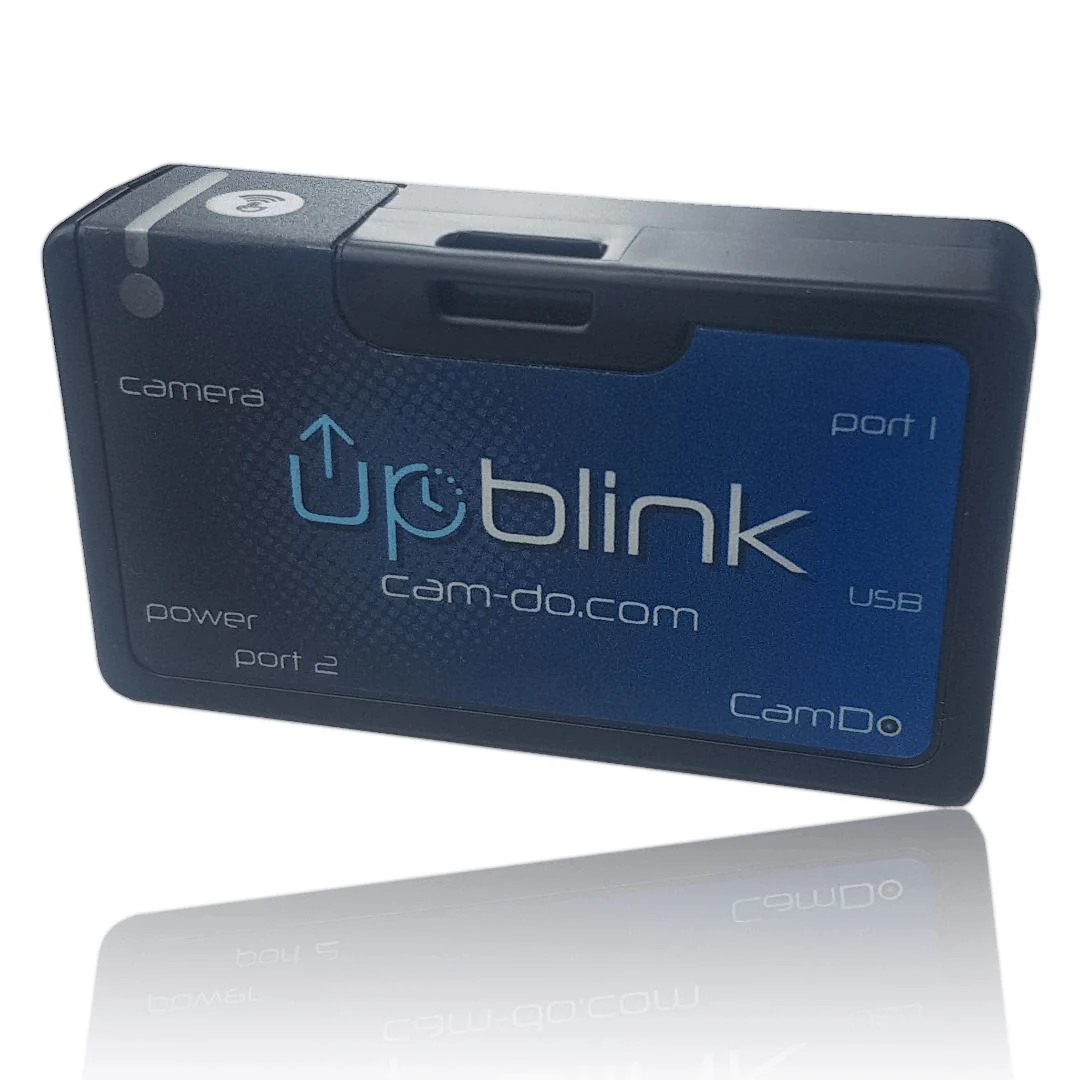
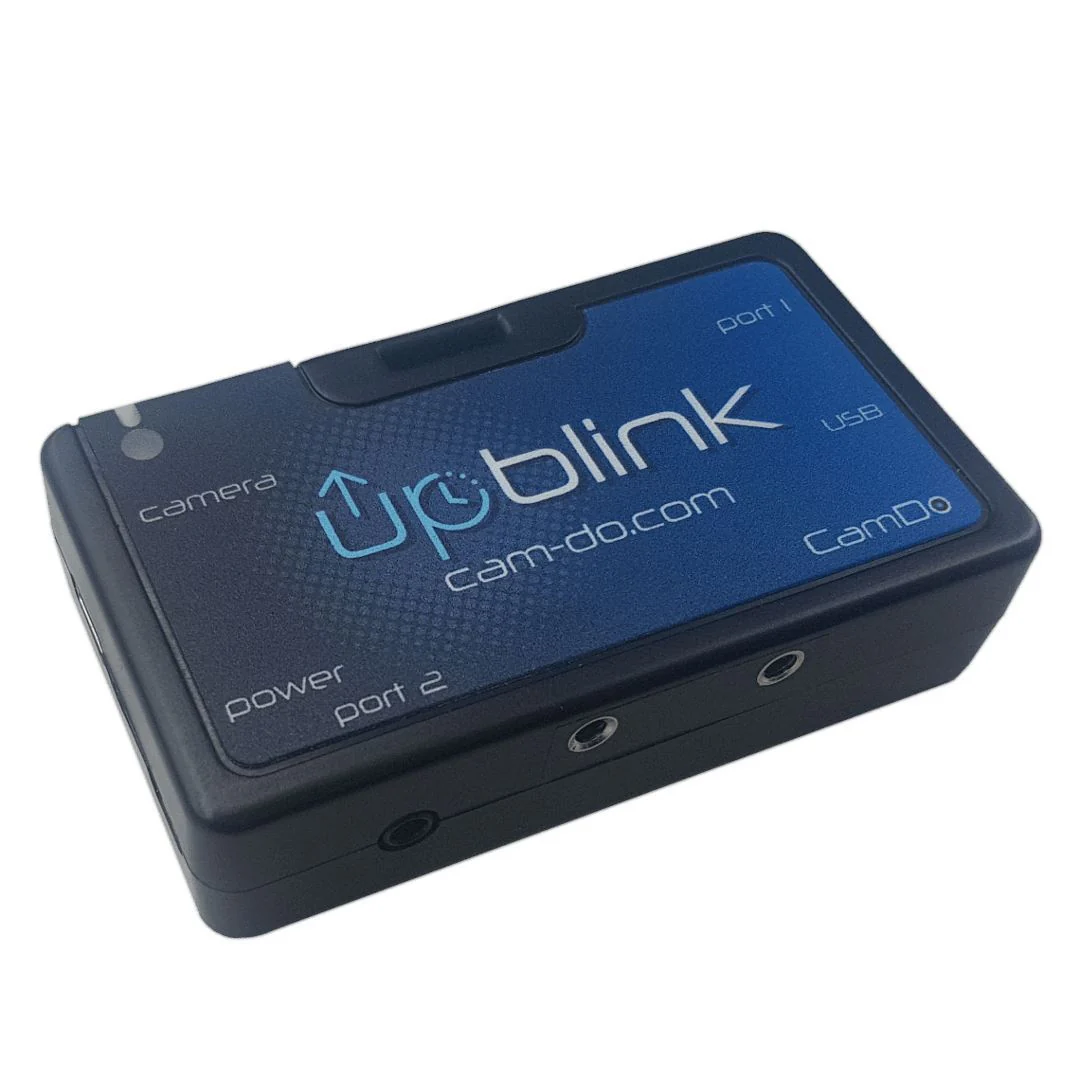
If you have purchased the CamDo UpBlink scheduler/controller, you can login for remote status monitoring of your devices. View a list of heartbeat status for each day confirming:
- Latest image captured
- SD Card space remaining
- # of photos and video taken since last email
There is also flexibility in setting up multiple email addresses and a schedule of how often the daily status information should be emailed to you.
In order to use this feature, UpBlink, BlinkX or Blink must be near a WiFi access point with an internet connection(either an open WiFi network or WPA secure network - WEP secure networks are older technology and not supported).
We also support a range of 3/4G modems you can plug into UpBlink. See the UpBlink product page and manual for more details.
If you have purchased UpBlink, you can also upload your images to CloudX and get updated time lapse videos automatically created!
account_circleSounds great, how do I get access?
With every purchase of an UpBlink, you get a free 30-day trial to CloudX.
All you need to do is enter your details into the user interface for your particular product (see the instructions for how to do this on our support pages here) and your free account will be automatically created. You will then automatically receive an email with your account details and how to login.
For continued access, CloudX requires a subscription. The options, features and pricing are as follows:
assignment Features and Pricing
One month free to CloudX Plus is included with all compatible CamDo products so you can try it out. For the 12 month Pro Plan, get 12 months access and receive 20% off.
Feature Pro Plus Most Popular Max Most Value FTP Contact Sales Jobsite Intelligence [Limited time only while in Beta] [Beta] Cloud Storage 15 GB storage 100 GB storage 250 GB storage By customer Automatic Time Lapse Creation Review Schedules Remotely Update Schedules Remotely Contact Sales Contact Sales Contact Sales White Label Status Email 100 Unlimited Unlimited No email Cellular Monthly Data
*DataLens only. Includes SIM-card for one-time purchase of $20
1 GB 2 GB 4 GB N/A 1 Month Access * $69 USD $99 USD $159 USD N/A 3 Month Access $207 USD $297 USD $477 USD N/A 12 Month Access $759 USD $1089 USD $1749 USD N/A One Off Purchase N/A N/A N/A $599 USD If you need enterprise pricing, more frequent uploads or larger storage, please contact [email protected] for pricing.
CloudX Login Page
camera_enhanceWhat cameras can I use?
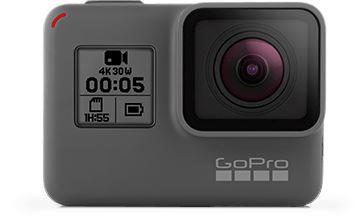
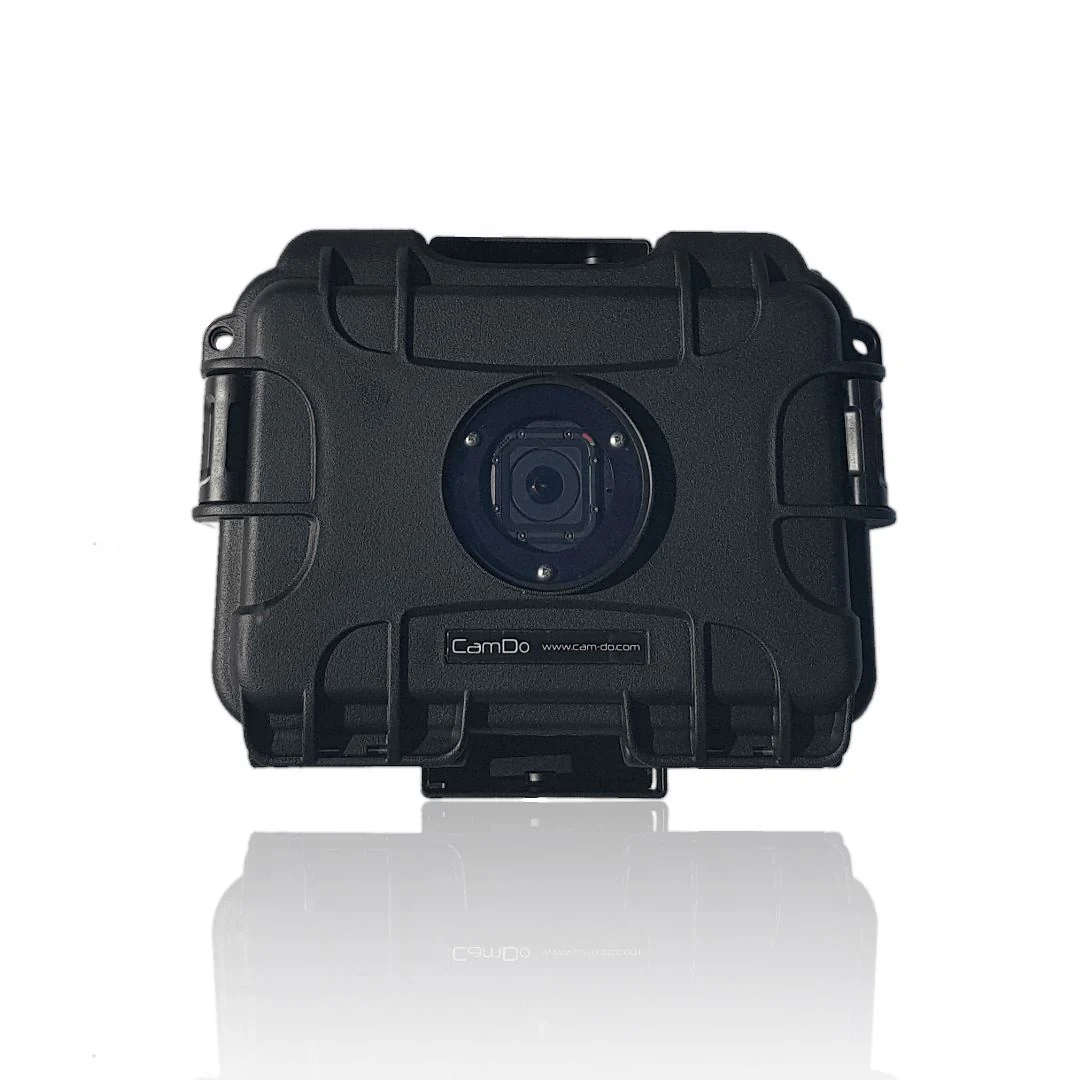
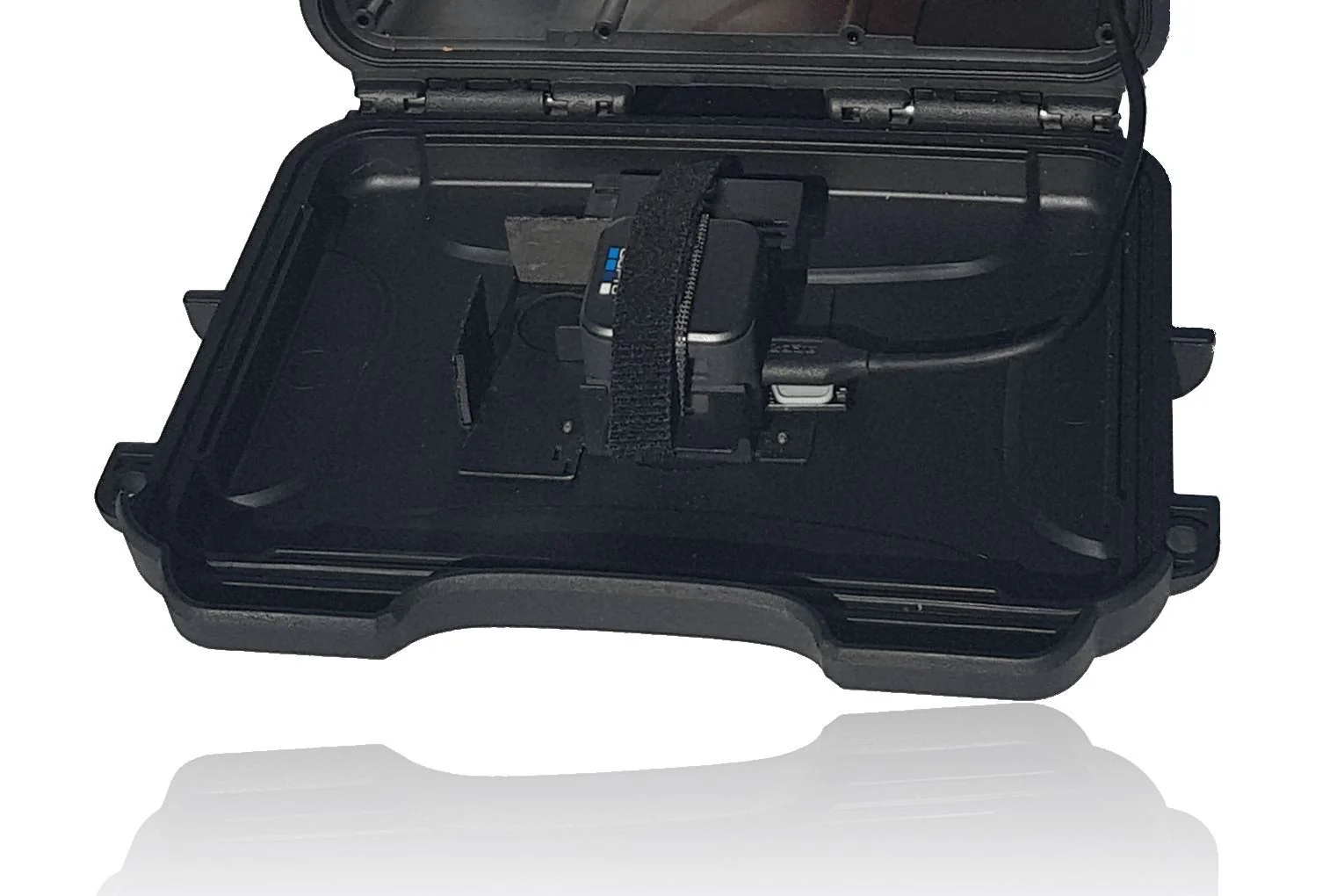
The platform is compatible with CamDo's UpBlink using GoPro HERO 5, 10+ or Sony RXOII cameras.
assignment Anything else?
Additional features we are working on:
- Remote schedule updates (UpBlink only) - change the schedule from the comfort of your chair (Added Jan 2021)
- After purchase, reach out to [email protected] for the initial application of the subscription to your registered device.
-
Camera
CloudX Heartbeat
CloudX Upload
UpBlink
✔ ✔ BlinkX
(discontinued)
✘ ✘ Blink
(discontinued)✘ ✘ DataLens
✔ ✔ -
Frequently Asked Questions
Will Blink/BlinkX ever have the upload feature?
No, however, UpBlink does!
Can I change the settings of the schedule remotely?
Yes! You can view your existing settings and for our Pro Plus subscribers you can change the settings remotely through the CloudX platform.
I have multiple UpBlink units, do I need to have a subscription for each one?
Yes, each registered unit requires a subscription in order to upload images onto the account. However, the storage space is shared between devices.
-
General support can be found on our Support pages here.
- CloudX User Manual
- Time Lapse Calculator
- Getting Started with Time Lapse Solutions
- General Time Lapse Information
Product Codes:
Pro - SCS07 (3month) / SCS08 (12months)
Product Codes:
Pro - SCS07 (3month) / SCS08 (12months)
Original: $69.00
-70%$69.00
$20.70Product Information
Product Information
Shipping & Returns
Shipping & Returns
Description
Online time lapse platform for:
Camera status, remote monitoring & simple time lapse creation!
-
About
-
Compatibility
-
FAQ's
-
Support
-
Camera Status | Remote Monitoring | Cloud storage |
Easy Time Lapse Movie Generation
buildHow does it work?
CloudX is a state of the art online time lapse platform, allowing you to monitor your time lapse camera from a browser anywhere in the world.
question_answerWhat does it do?
If you have purchased the CamDo UpBlink scheduler/controller, you can login for remote status monitoring of your devices. View a list of heartbeat status for each day confirming:
- Latest image captured
- SD Card space remaining
- # of photos and video taken since last email
There is also flexibility in setting up multiple email addresses and a schedule of how often the daily status information should be emailed to you.
In order to use this feature, UpBlink, BlinkX or Blink must be near a WiFi access point with an internet connection(either an open WiFi network or WPA secure network - WEP secure networks are older technology and not supported).
We also support a range of 3/4G modems you can plug into UpBlink. See the UpBlink product page and manual for more details.
If you have purchased UpBlink, you can also upload your images to CloudX and get updated time lapse videos automatically created!
account_circleSounds great, how do I get access?
With every purchase of an UpBlink, you get a free 30-day trial to CloudX.
All you need to do is enter your details into the user interface for your particular product (see the instructions for how to do this on our support pages here) and your free account will be automatically created. You will then automatically receive an email with your account details and how to login.
For continued access, CloudX requires a subscription. The options, features and pricing are as follows:
assignment Features and Pricing
One month free to CloudX Plus is included with all compatible CamDo products so you can try it out. For the 12 month Pro Plan, get 12 months access and receive 20% off.
Feature Pro Plus Most Popular Max Most Value FTP Contact Sales Jobsite Intelligence [Limited time only while in Beta] [Beta] Cloud Storage 15 GB storage 100 GB storage 250 GB storage By customer Automatic Time Lapse Creation Review Schedules Remotely Update Schedules Remotely Contact Sales Contact Sales Contact Sales White Label Status Email 100 Unlimited Unlimited No email Cellular Monthly Data
*DataLens only. Includes SIM-card for one-time purchase of $20
1 GB 2 GB 4 GB N/A 1 Month Access * $69 USD $99 USD $159 USD N/A 3 Month Access $207 USD $297 USD $477 USD N/A 12 Month Access $759 USD $1089 USD $1749 USD N/A One Off Purchase N/A N/A N/A $599 USD If you need enterprise pricing, more frequent uploads or larger storage, please contact [email protected] for pricing.
CloudX Login Page
camera_enhanceWhat cameras can I use?
The platform is compatible with CamDo's UpBlink using GoPro HERO 5, 10+ or Sony RXOII cameras.
assignment Anything else?
Additional features we are working on:
- Remote schedule updates (UpBlink only) - change the schedule from the comfort of your chair (Added Jan 2021)
- After purchase, reach out to [email protected] for the initial application of the subscription to your registered device.
-
Camera
CloudX Heartbeat
CloudX Upload
UpBlink
✔ ✔ BlinkX
(discontinued)
✘ ✘ Blink
(discontinued)✘ ✘ DataLens
✔ ✔ -
Frequently Asked Questions
Will Blink/BlinkX ever have the upload feature?
No, however, UpBlink does!
Can I change the settings of the schedule remotely?
Yes! You can view your existing settings and for our Pro Plus subscribers you can change the settings remotely through the CloudX platform.
I have multiple UpBlink units, do I need to have a subscription for each one?
Yes, each registered unit requires a subscription in order to upload images onto the account. However, the storage space is shared between devices.
-
General support can be found on our Support pages here.
- CloudX User Manual
- Time Lapse Calculator
- Getting Started with Time Lapse Solutions
- General Time Lapse Information
Product Codes:
Pro - SCS07 (3month) / SCS08 (12months)
Product Codes:
Pro - SCS07 (3month) / SCS08 (12months)